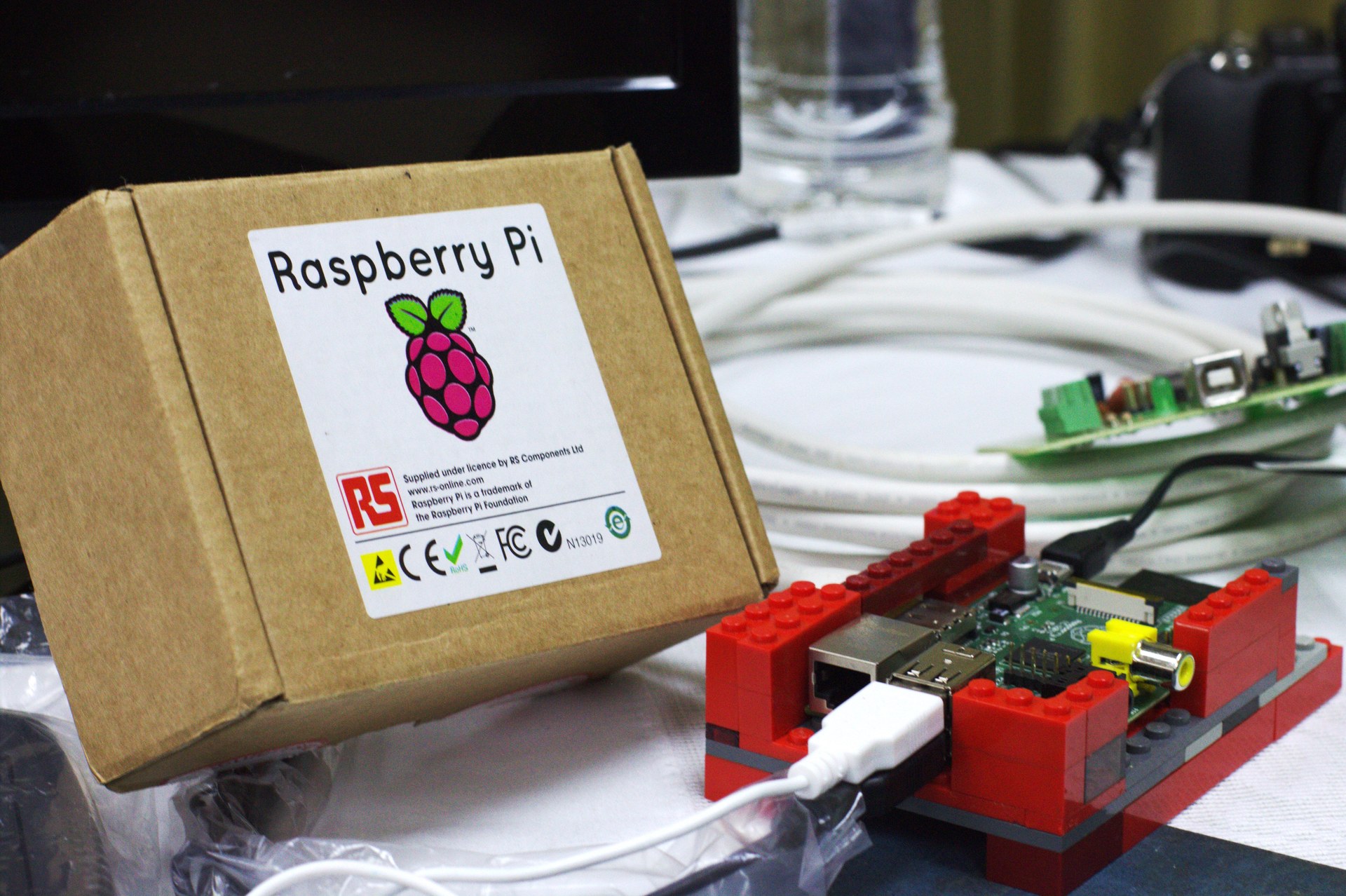
Most Raspberry Pi problems people bring to our workshop end up being power problems. Brownouts during USB-disk reads, random SD-card corruption, headless installs that fail mid-boot, almost always the wall-wart or the cable. This guide shows you what to buy and what to test for.
Why power matters more than people think
A Raspberry Pi 4B draws up to 3 A under sustained load (CPU + GPU + USB peripherals). A Pi 5 needs up to 5 A. Cheap chargers labelled 3 A often deliver 1.5 A under load because the cable resistance drops the voltage. The Pi sees this as a brown-out and either resets, throttles aggressively, or silently corrupts files.
What to actually buy
**For Pi 4B:** an official 5.1 V / 3 A USB-C adapter (Raspberry Pi Foundation OEM) or equivalent rated USB-PD 5V/3A. We stock both at BlitzTech.
**For Pi 5:** an official 5.1 V / 5 A USB-C adapter, nothing else. The Pi 5 will run on a 3 A supply but throttles USB peripherals and warns you on boot.
**Cable:** short (≤ 1 m) USB-C, 20 AWG or thicker conductors. Avoid the thin cables that come with phone chargers.
How to verify your power is good
Boot the Pi, log in, run: `vcgencmd get_throttled`. The output is a hex code. `throttled=0x0` means you're good. Any other value (especially anything with bit 0 set: `0x50000`, `0x50005`) means under-voltage events have happened, your power supply or cable is inadequate. Replace and retest.
# Run this in a terminal on the Pi
vcgencmd get_throttled

# Bit meaning:
# 0x1     : under-voltage detected
# 0x2     : ARM frequency capped
# 0x4     : currently throttled
# 0x10000 : under-voltage has occurred since boot
# 0x40000 : throttling has occurred since bootIf you're powering peripherals from the Pi
USB devices draw from the Pi's power budget. A bus-powered SSD on the Pi 4 can pull 900 mA, leaving very little for the CPU under load. If you have an SSD, a touchscreen, a USB-WiFi dongle, AND a Pi camera, give the SSD its own externally-powered hub. The Pi's USB ports are not designed to power hungry external devices.